Reliable search engine
MARS finds relevant emails – in seconds
Let users find relevant emails themselves, while you maintain control over access and permissions.
Two ways to MARS
The same search engine for every need
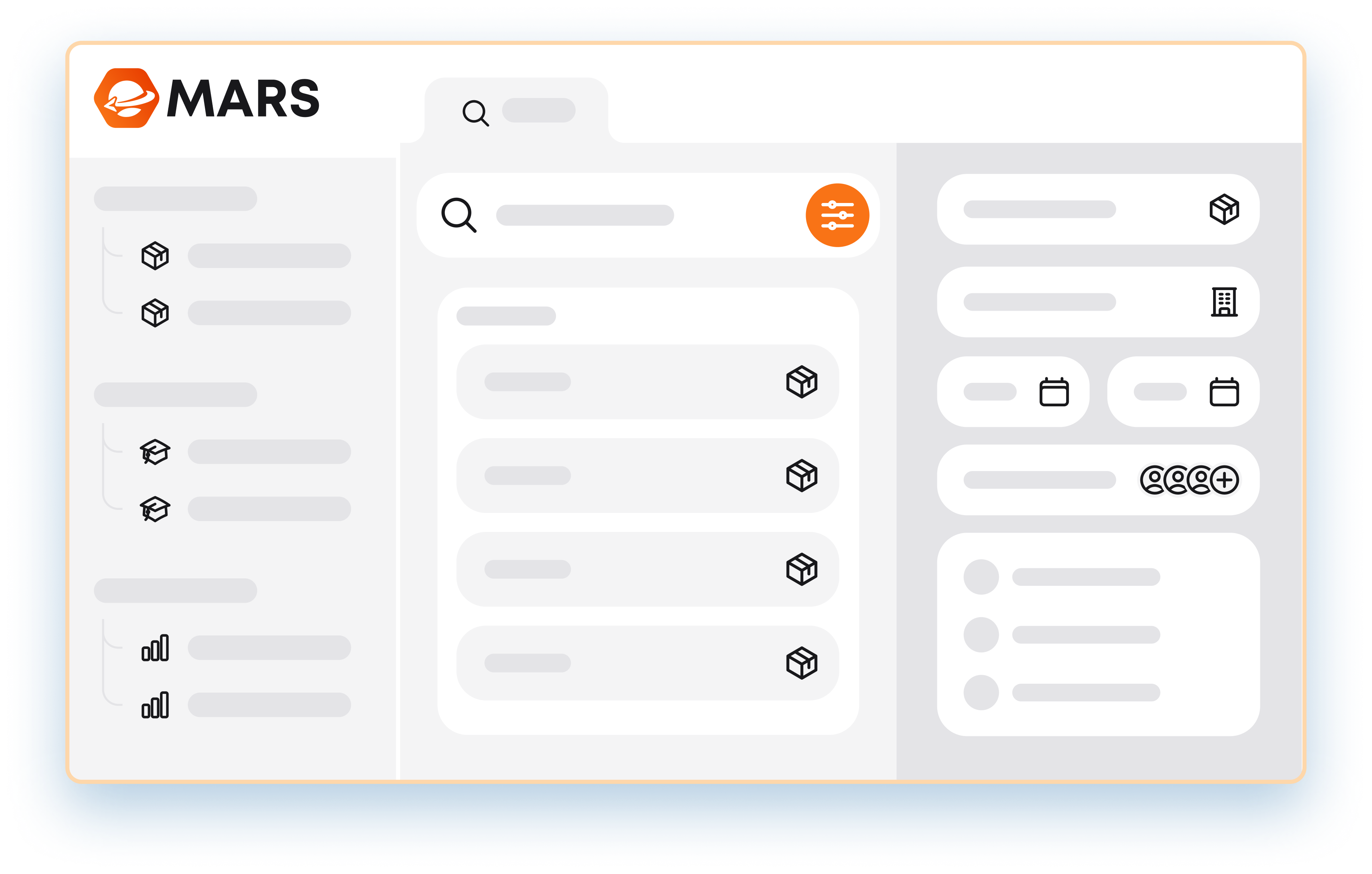
Admin Center
Built for larger email searches
If you need to conduct a more extensive investigation of a communication history, it may be beneficial to invite users to use the search engine in the Admin Center. Here, the interface is designed to provide a better overview and to include more features for bulk email processing.
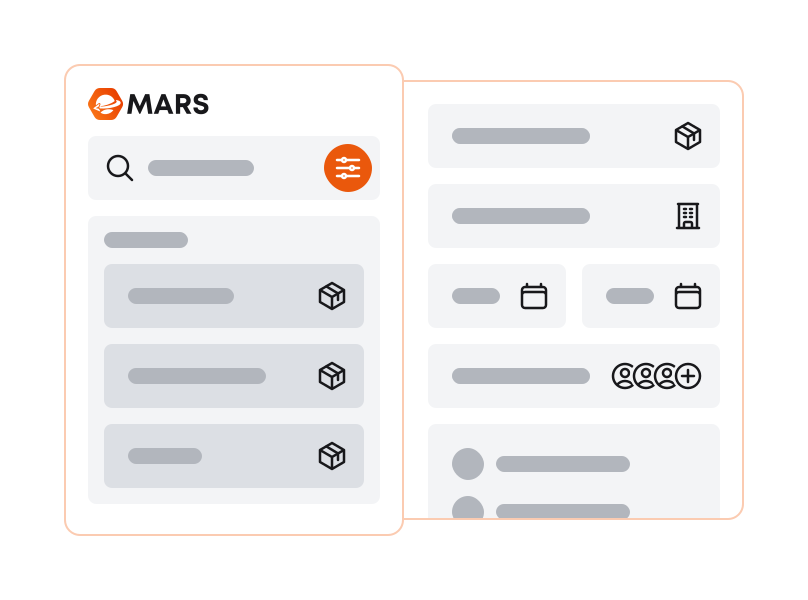
Outlook add-in
Make the search engine more accessible
If your users have MARS installed in Outlook, they have direct access to the search engine there. This makes it more accessible for users to search for previous emails directly from Outlook, whenever the need arises in their daily workflow.

"MARS just works really well and is a very useful tool for us when we need to find emails."
The search parameters for a relevant search result
No search engine is better than the data it searches. With a well-structured database that can read and understand email metadata, users gain access to more search parameters. Combined with Elasticsearch, users can expect precise, reliable and relevant search results.
Storing your emails in SharePoint?
If so, read on here
Search in a rights-managed email index
We have integrated rights management directly into Elasticsearch and turned the traditional search process on its head. Instead of the search engine scanning across the entire email archive, it only searches within a predefined email index based on the user's configured permissions. This reduces the volume of data from the outset, making it possible to deliver reliable search results with high performance.
Forensic Search for targeted email investigations
Forensic Search makes it possible to grant a selected group of users temporary access to a defined portion of the email archive that falls outside their standard permissions. Access is configured in the Admin Center and can be tailored to the specific investigation.
Forensic Search reduces the dependency on IT as an operational bottleneck, while ensuring that access remains controlled and clearly defined.
More MARS features


Download MARS to your Outlook today
The first 14 days are free - enjoy!