Email archiving
Send emails to MARS
via Exchange or Outlook
With MARS’ email archiving, users can organise and share important communications received in their inbox. We have made it intuitive to archive emails, giving them a stronger dataset to support their decision-making.
To ways to MARS
The difference between the two archiving options
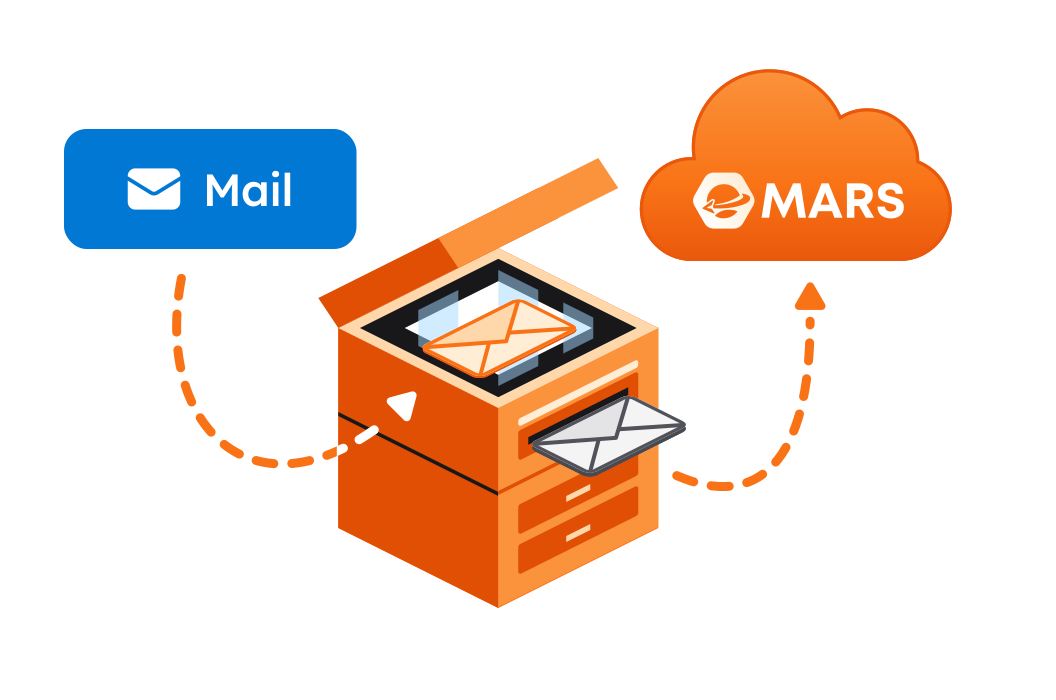
Email server
Auto archiving
When you integrate MARS with your email server, for example, Exchange Server, MARS will copy all incoming and outgoing emails. You can now search for auto-archived emails again via the MARS Admin Center.
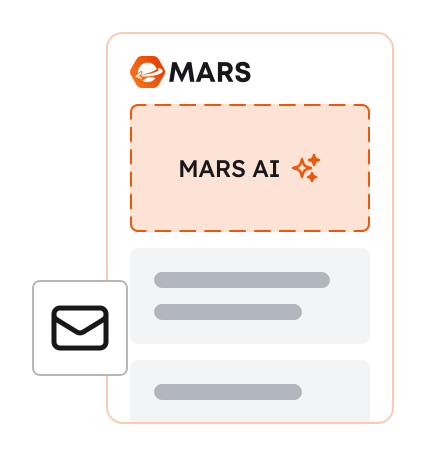
Outlook add-in
Drag’n’drop archiving
If you choose that users should archive emails via the MARS Outlook add-in, MARS will enrich the email, meaning that data from the email can be used in more contexts.
Go to email archiving in Outlook
Both email archiving methods send emails to a sovereign server
Users’ email archive is stored on a single-tenant server, serviced by an OBS cluster that we control ourselves. This means that, independently of hosting services, we can choose the provider that meets our strict requirements for data sovereignty and security.

Email archiving directly in Outlook
Users can drop their email here, and MARS will take care of the rest.
MARS Outlook add-in only uses the relevant metadata to place emails correctly, rather than importing a complex folder structure from, for example, SharePoint.


MARS makes archived emails measurable
When users archive emails in MARS via the Outlook add-in, their communication is turned into valuable insight. When dialogues become measurable, users can act proactively and strengthen relationships with clients and partners.
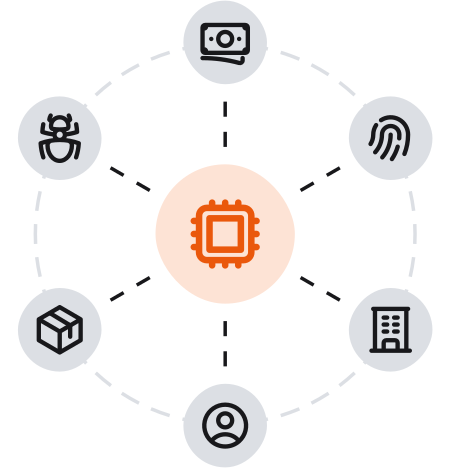
AI helps them categorise emails and provides a clear overview of important themes such as invoicing and delivery.
With sentiment analysis, users get early signals about how the collaboration is developing, enabling them to respond before challenges escalate.
Send all emails to MARS – automatically
It is quite simple to set up auto-archiving via your email server.
In the MARS Admin Center, you can either generate an email address and configure your email server to forward all emails to it, or use Microsoft 365’s journaling tool, which first archives users’ emails and then sends them to MARS.
Which approach you prefer is up to you.
This way, you stay in control and avoid having to rely on consultants or support.

More MARS features


Download MARS to your Outlook today
The first 14 days are free – enjoy!